
Hub guide
How to Create a Victoria Secret Runway Video From a Photo
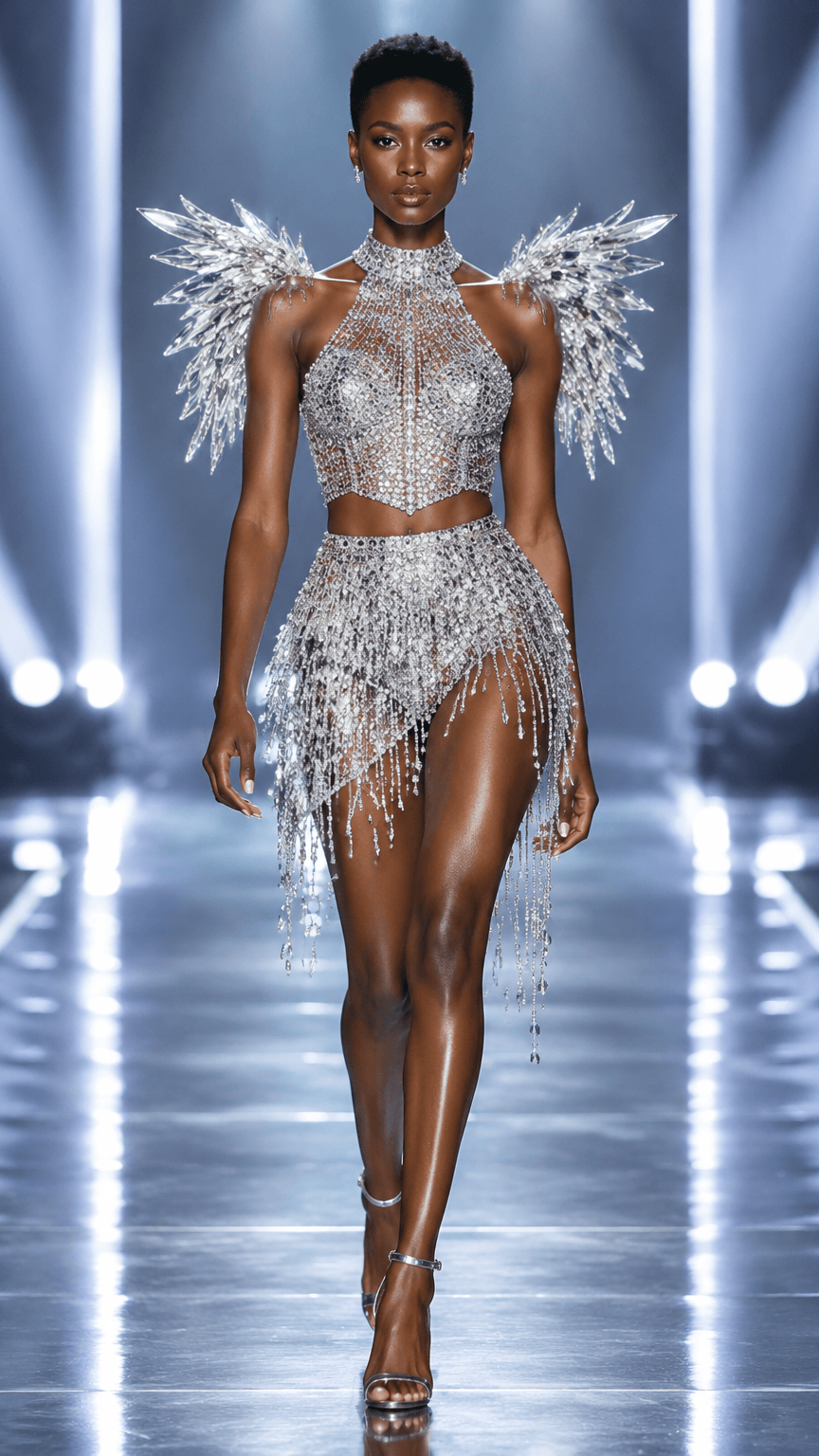
A strong Victoria Secret Runway video starts with a clear creative decision. The tool can turn one authorized photo and one saved scene direction into a short vertical fashion clip, but the source image still controls how much of the idea can survive the motion step. Choose the frame first, then decide what the runway scene needs to add.
What photo works best for a Victoria Secret Runway video?
Use a face photo you own or have permission to use. The eyes, nose, mouth, jawline, and hairline should be easy to read. The uploaded image anchors identity and natural skin tone; the selected fixed scene video supplies the body, clothing, pose, and runway styling.
This is the practical answer behind searches such as “how to create a Victoria Secret Runway video from a photo” and “photo to Victoria Secret Runway video.” The first frame does not need to look like a finished campaign image. It needs to give the generator a stable person, outfit, and direction to follow.
How do you choose a Victoria Secret Runway scene?
Start with one visual question. You might want high-shine stage light, a softer feather-like couture mood, crystal highlights, or a darker editorial contrast. The saved scene prompts are original visual directions for this independent tool. They are not official Victoria’s Secret campaign names or brand assets.
Keep the source photo the same when comparing scenes. That makes the comparison easier to read because the scene, lighting, and camera energy change while the subject stays consistent. If the photo and the visual direction change at the same time, it becomes difficult to tell which decision affected the result.
How do you plan a 9:16 fashion runway video?
The current workflow is built around a short 9:16 video. Think about the crop before you generate. Leave enough room around the subject for movement, and avoid placing important clothing details at the edge of the frame. A simple forward walk, turn, or camera push is easier to judge in a short clip than a crowded sequence with several unrelated actions.
Write the idea in plain language before opening the creator: who is in the frame, what the runway should feel like, how the camera should move, and what detail must stay visible. You do not need a long prompt when the saved scene already covers the lighting and atmosphere. A focused brief gives you a cleaner first test.
How do you review a Victoria Secret Runway AI video?
Watch the generated video for the question you started with. Does the subject remain recognizable? Is the outfit still readable? Does the camera movement support the runway mood? Are there visual changes that make the clip unsuitable for the intended use? Provider output and result consistency can vary, so treat the first generation as a test of the idea, not a promise of a specific final result.
If the result is close, change one thing in the next test. Try a different scene while keeping the photo, or improve the source photo while keeping the scene. Small controlled changes make the process easier to learn and help you spend credits on useful comparisons.
How do you write a short runway video brief?
Before you upload, write down the part of the clip that matters most. It might be the way the subject enters the frame, the way a metallic outfit catches light, or the way a slower camera move keeps the face readable. One clear priority helps you decide whether a result is close enough to revise.
Keep the brief short enough to check against the finished clip. Name the subject, the runway mood, the camera movement, and the detail that should stay visible. Leave out effects that do not help answer the first question. A crowded brief can make it harder to tell what the scene was asked to do.
When should you change the source photo?
Change the photo when the result repeatedly loses the same information. If the face is unclear, try a sharper frame. If the outfit is hidden by shadow or crop, choose a photo with more visible detail. If the pose does not support the intended movement, use a frame with a more useful starting position.
Keep the scene when the visual direction is still right. This separates an input problem from a scene problem and makes the next generation easier to judge.
How many generations should you plan for a runway video?
The creation flow works best as a short loop: choose the source, choose the scene, confirm the output, and review the result. Keep the first loop narrow enough that you can explain what you learned. A clear note such as “the face stayed readable, but the outfit lost detail during the turn” is more useful than a general impression that the video felt wrong.
Is a Victoria Secret Runway-inspired video official?
Victoria Secret Runway is used here as a search topic and style reference. This independent workflow is not affiliated with or endorsed by Victoria’s Secret. Do not upload a celebrity image, logo, campaign asset, or protected garment unless you have the required permission. Before publishing, review the rights to the source image, the person’s likeness, the generated result, and the platform where you plan to share it.
The useful next step is simple: prepare one authorized photo, choose one original runway direction, and decide what the first generation needs to answer. Then open the runway creator or review the photo guide before you submit.
Questions readers ask
Questions About This Victoria Secret Runway Video Guide
What photo works best for a Victoria Secret Runway video?
Use a sharp, well-lit front-facing portrait where the complete face and hairline are visible.
Do I need to write a long prompt?
No. Choose one saved scene and describe the subject, movement, framing, and detail that should remain visible.
Is this an official Victoria’s Secret tool?
No. It is an independent tool for original, style-referenced fashion video concepts.
What should I check after the video is generated?
Check identity, face readability, clothing detail, anatomy, camera movement, and whether the result fits the platform where you plan to share it.
How should I compare a second generation?
Change one decision at a time: keep the photo and change the scene, or keep the scene and improve the source photo.
Continue the runway research
Related Victoria Secret Runway Guides
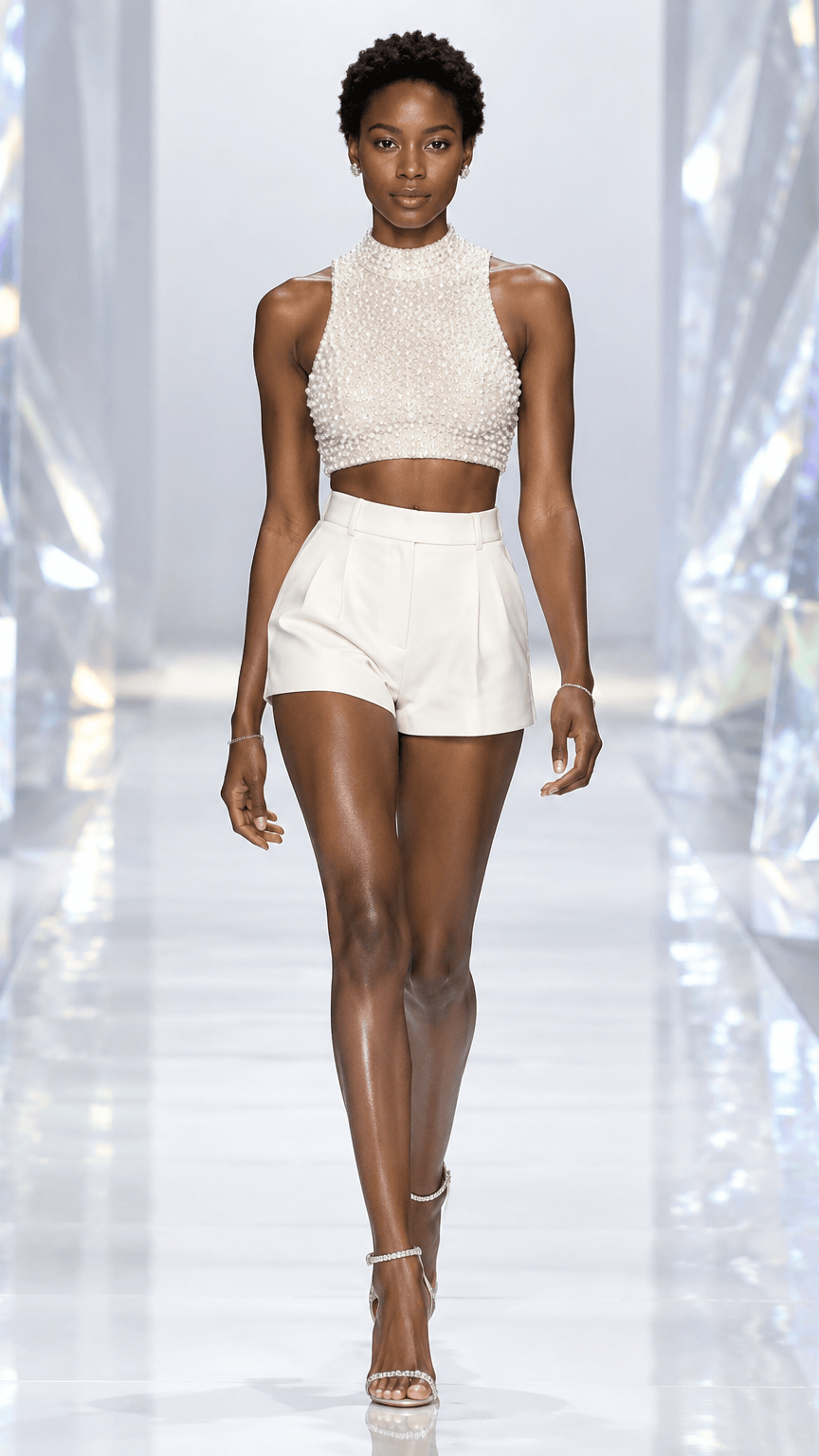 Best Photo for a Victoria Secret Runway AI VideoAn input guide for crop, lighting, silhouette, clothing detail, background, and image permission.
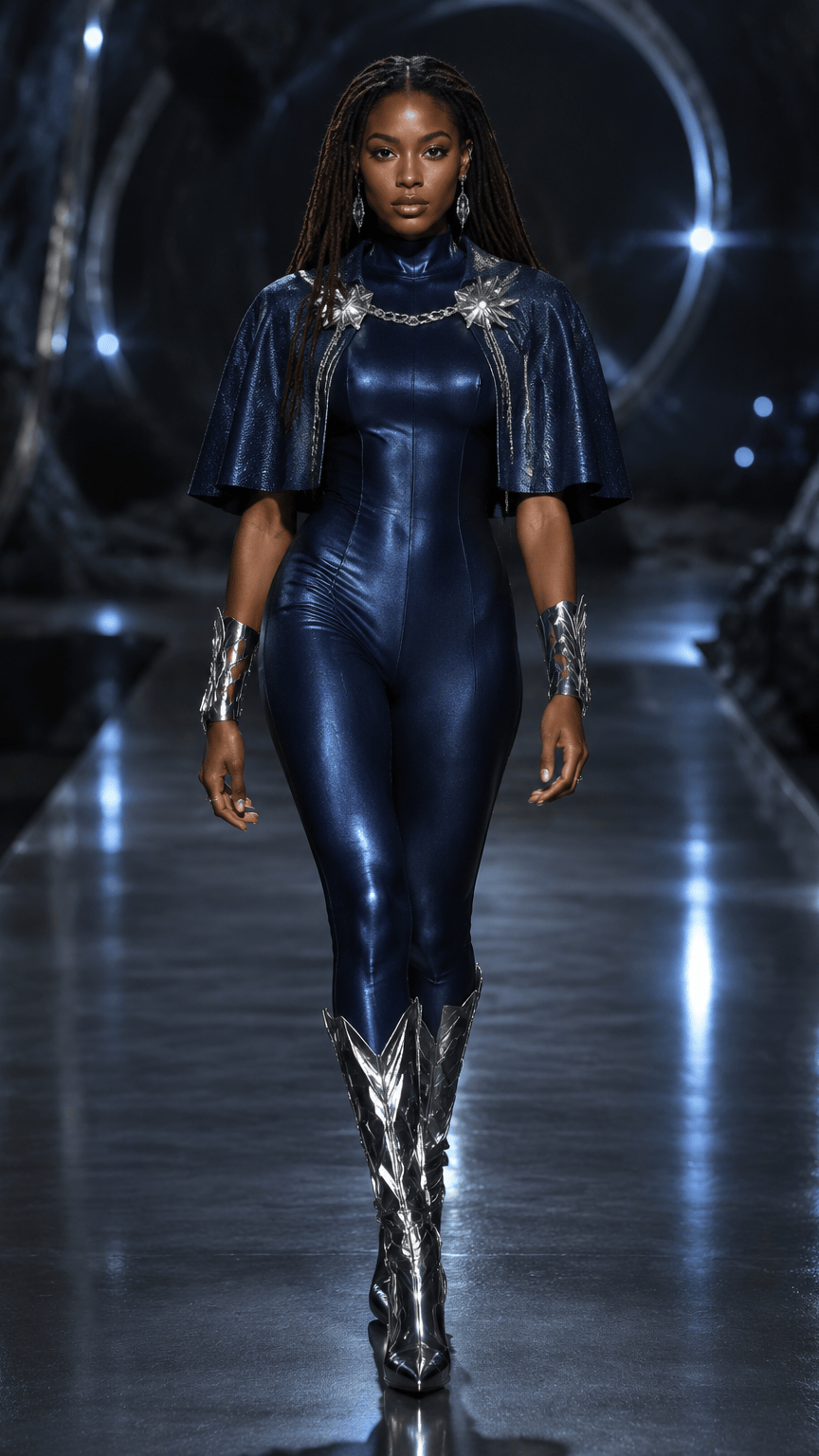 Victoria Secret Runway Scene Ideas for AI Fashion VideosA scene-planning guide for choosing lighting, color, camera energy, and styling direction without presenting original concepts as official brand assets.
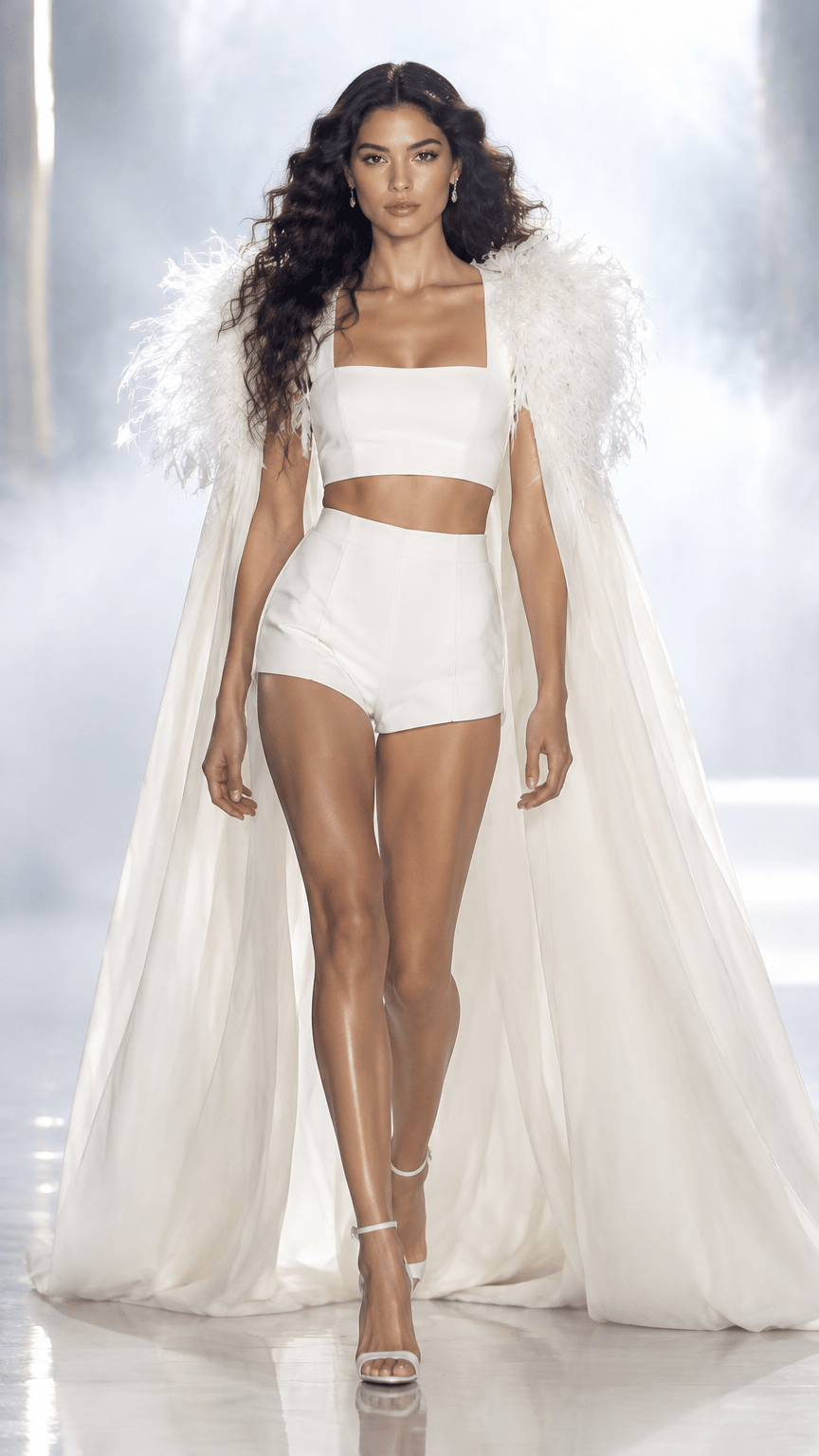 Victoria Secret Runway Video Ideas for Social MediaA planning guide for short vertical fashion clips, with practical choices for the first frame, movement, format, and test scope.