
Field note · Guide
Step-by-Step Tutorial: Turning a Single Photo into a Cinematic AI Fashion Runway Video
# Turning Static Images into Dynamic Runway Walks: A Technical Guide Converting a still image into a motion-filled fashion clip has moved from experimental AI a...

Turning Static Images into Dynamic Runway Walks: A Technical Guide
Converting a still image into a motion-filled fashion clip has moved from experimental AI art to a viable marketing asset. Brands and creators no longer need high-budget video crews to showcase garments in movement. Instead, they leverage generative video models to animate specific fabric behaviors, pose transitions, and camera angles derived from a single reference photo. This guide breaks down the technical workflow for generating these clips, focusing on prompt engineering, model selection, and realistic expectation management for short-form content.
Understanding the Technical Boundary of One-Shot Generation
It is crucial to distinguish between a full video editing suite and a generative animation engine. The process described here does not involve timeline-based editing, keyframe animation, or post-production color grading. Instead, it utilizes diffusion-based video models that interpret a static image and predict the most likely subsequent frames.
The output is a short, reviewable clip, typically ranging from 3 to 6 seconds. These clips are "one-shot" generations: the AI predicts a continuous motion path without user-inserted cuts or scene transitions. Users upload up to two reference stills to anchor the visual identity, but the motion is driven by text prompts. The system generates a new video file based on this hybrid input. It does not add captions, sync music to the visual rhythm, or publish directly to social media platforms. It creates the raw visual asset that designers can then integrate into larger production pipelines.
Step 1: Preparing Your Reference Assets
Before prompting, the input image dictates the ceiling of quality for the output. A low-resolution or poorly lit photo will result in a washed-out, distorted video.
- Resolution Standards: Ensure your reference still is at least 1024x1024 pixels. Higher resolutions help the AI maintain fabric texture details during motion.
- Subject Isolation: The garment or model should occupy the central 60-70% of the frame. Over-cropped or wide environmental shots often cause the AI to hallucinate background movement rather than focus on the subject.
- Lighting Consistency: Avoid high-contrast flash photography. Soft, studio-like lighting provides the generative model with clearer data on how shadows move across the fabric, resulting in a more natural walk cycle.
- File Format: Use standard JPEG or PNG formats. Avoid transparent backgrounds, as the AI may attempt to fill negative space with unwanted artifacts.
Step 2: Crafting the Motion Prompt
The prompt is the instruction set for how the camera and subject interact. For fashion runway applications, specificity prevents generic "floating" motion.
Use a structure that defines the subject, the action, and the camera behavior. For example: "A professional model in a silk evening dress walking forward on a runway, camera tracking low angle, slow motion, fabric flowing."
Avoid vague terms like "cool video" or "fashionable." Instead, use semantic synonyms related to movement physics:
- "Fabric physics simulation"
- "Slow-motion stride"
- "Head turn and smile"
- "Panning shot"
When using two reference stills, describe the transition explicitly. For instance, if Image A is a frontal pose and Image B is a profile pose, the prompt should specify "transitioning from frontal walk to profile glance." This guides the interpolation engine to create a smooth morph rather than a jarring jump.
Step 3: Model Selection and Duration Constraints
Different generative models offer varying strengths. For fashion-specific accuracy, look for models trained on high-fidelity portrait and garment datasets. These models are better at preserving facial features and textile patterns during motion.
- Duration Limits: Most current one-shot generators are capped at short durations, usually between 3 and 6 seconds per generation. Attempting to generate a 30-second runway walk in a single pass will result in temporal inconsistency, where the subject’s identity drifts or the clothing changes abruptly.
- Resolution Output: While input can be high-resolution, output is often standardized to 720p or 1080p. Upscaling post-generation is a separate workflow step not handled by the initial video synthesis.
- Credit Estimation: Generation costs are typically tied to complexity. A simple static-to-slight-motion clip may cost fewer credits than a clip involving complex camera moves or multiple subject interactions. Always check the credit-estimate feature in the interface before committing to a high-complexity prompt.
Step 4: Reviewing and Iterating
The first generation is rarely perfect. Treat the output as a proof of concept.
- Check for Anatomical Drift: Look at the hands and feet. These are common failure points for generative models. If the hands melt into the dress, the prompt likely needs a stronger anchor on "clearly defined hands."
- Verify Fabric Integrity: Ensure the pattern on the garment does not warp or disappear. If the fabric looks like it is "milk-spilling," reduce the motion intensity in the prompt.
- Honest Limitations: Be aware that the AI does not understand physical collisions. A model walking into a pole may clip through it. This is a known limitation of current text-to-video architectures. It is not a bug that can be fully fixed by prompting alone; it is a constraint of the underlying physics engine.
Integrating into a Content Strategy
Once you have your short, reviewable clips, they serve as high-impact assets for social media teasers, lookbook animations, and e-commerce hover effects. They are not replacements for full video production, but they are powerful tools for capturing attention in the first few seconds of a user’s scroll.
Creators can use these clips to test colorways and styles in motion without filming a physical runway. By generating multiple variations from a single photo, brands can A/B test which visual movement style resonates with their audience. This iterative approach reduces the cost of marketing content while maintaining a professional aesthetic.
For those looking to explore the specific models available for this workflow, you can browse the catalog of available engines at AI models. Understanding the strengths of each model—whether it favors portrait fidelity or kinetic energy—will help you choose the right tool for your specific garment type.
Best Practices for Long-Tail SEO Value
To make the most of this content strategy, document your workflow. Create case studies that show the input photo, the exact prompt used, and the resulting 5-second clip. This transparency builds trust and provides value to other creators searching for tutorial photo to ai fashion runway video guides.
Focus on semantic variation in your tagging. Instead of only using "fashion video," tag your content with "garment animation," "runway clip generation," and "AI motion capture." This broadens your discoverability without creating duplicate content.
Explore the broader ecosystem of tools and techniques on our Blog, where we publish detailed breakdowns of prompt structures for different garment categories, from flowing silk to structured denim.
Understanding the cost implication of iterative generation is key to budgeting. Review our Pricing page to see how credit-based generation works, allowing you to plan your test-and-iterate cycle efficiently.
Start your journey by visiting the Homepage to get an overview of the platform’s capabilities and access the generation studio.
By mastering the balance between static reference quality and motion prompting, you can transform a single photo into a dynamic, engaging visual asset that stands out in a crowded digital feed. The key is to accept the limitations of short-form generation and leverage them for quick, high-impact previews rather than full narrative videos.
Questions readers ask
Questions About This Victoria Secret Runway Video Guide
What is the Victoria Secret Runway scenario-video tool for 'tutorial photo to ai fashion runway video'?
It is an AI-powered tool that converts a single static photo into a dynamic fashion runway-style video, simulating the look of a Victoria's Secret-inspired runway presentation with fluid motion, lighting effects, and cinematic pacing suitable for fashion content creators.
Do I need to pay to try converting my photo to an AI fashion runway video?
You can start with a limited number of free credits to test the feature. After exhausting free credits, a paid subscription or one-time purchase is required for additional generations, with pricing details available on the platform’s pricing page.
Will my generated runway videos have watermarks if I use the free plan?
Yes, videos generated using free credits or on the basic tier typically include a subtle watermark. Upgrading to a premium plan removes watermarks and unlocks higher-resolution exports for professional use.
Can I use my AI-generated Victoria Secret runway videos for commercial purposes?
Commercial usage rights depend on your subscription tier. Standard plans generally allow personal and portfolio use, while commercial licensing (e.g., for advertising or client work) requires a premium or enterprise plan. Review the Terms of Service for specific clauses.
How long does it take to generate a fashion runway video from a photo?
Generation time typically ranges from 2 to 5 minutes depending on video length, resolution, and current server load. Higher-detail or longer videos may take longer, and a progress bar is displayed during processing.
What should I do if my photo-to-video generation fails or produces low-quality results?
Ensure your input photo is high-resolution, well-lit, and features a clear subject without excessive occlusions. Restart the process with a different reference image or adjust motion parameters. If issues persist, contact support with your project ID for troubleshooting assistance.
Continue the runway research
Related Video Guides
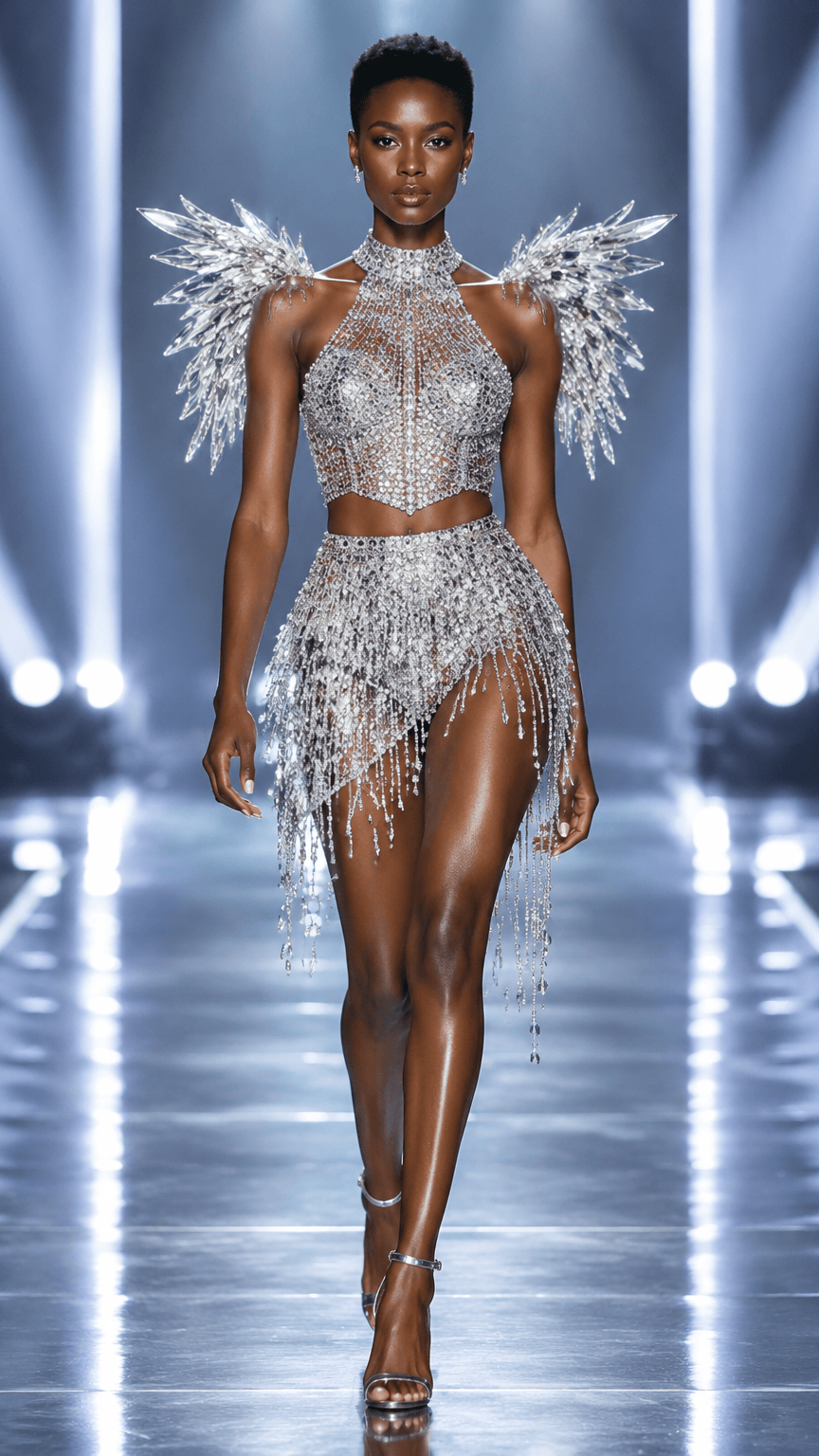 How to Create a Victoria Secret Runway Video From a PhotoA complete, practical workflow for turning one authorized source photo into an original Victoria Secret Runway-inspired video concept.
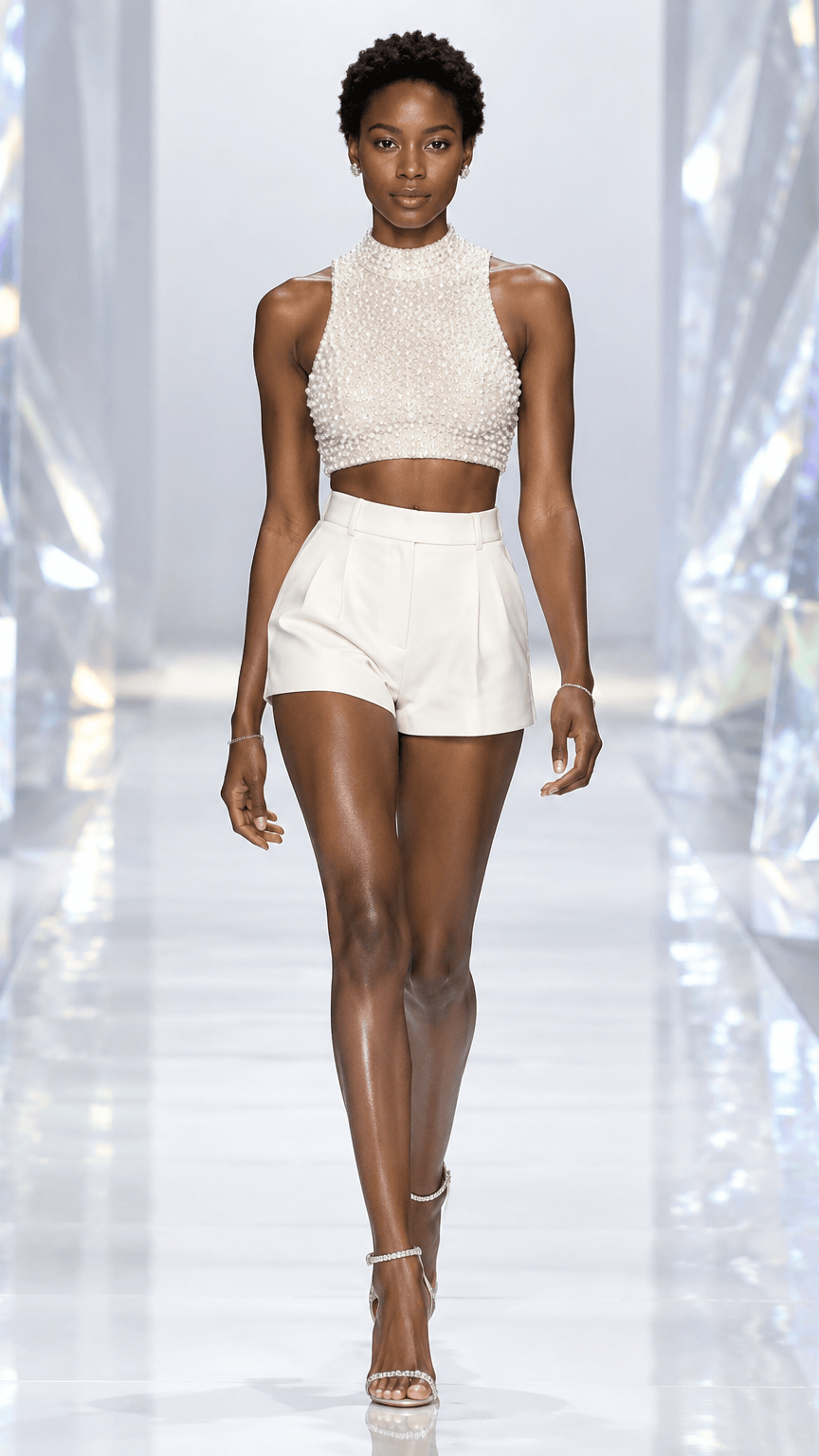 Best Photo for a Victoria Secret Runway AI VideoAn input guide for crop, lighting, silhouette, clothing detail, background, and image permission.
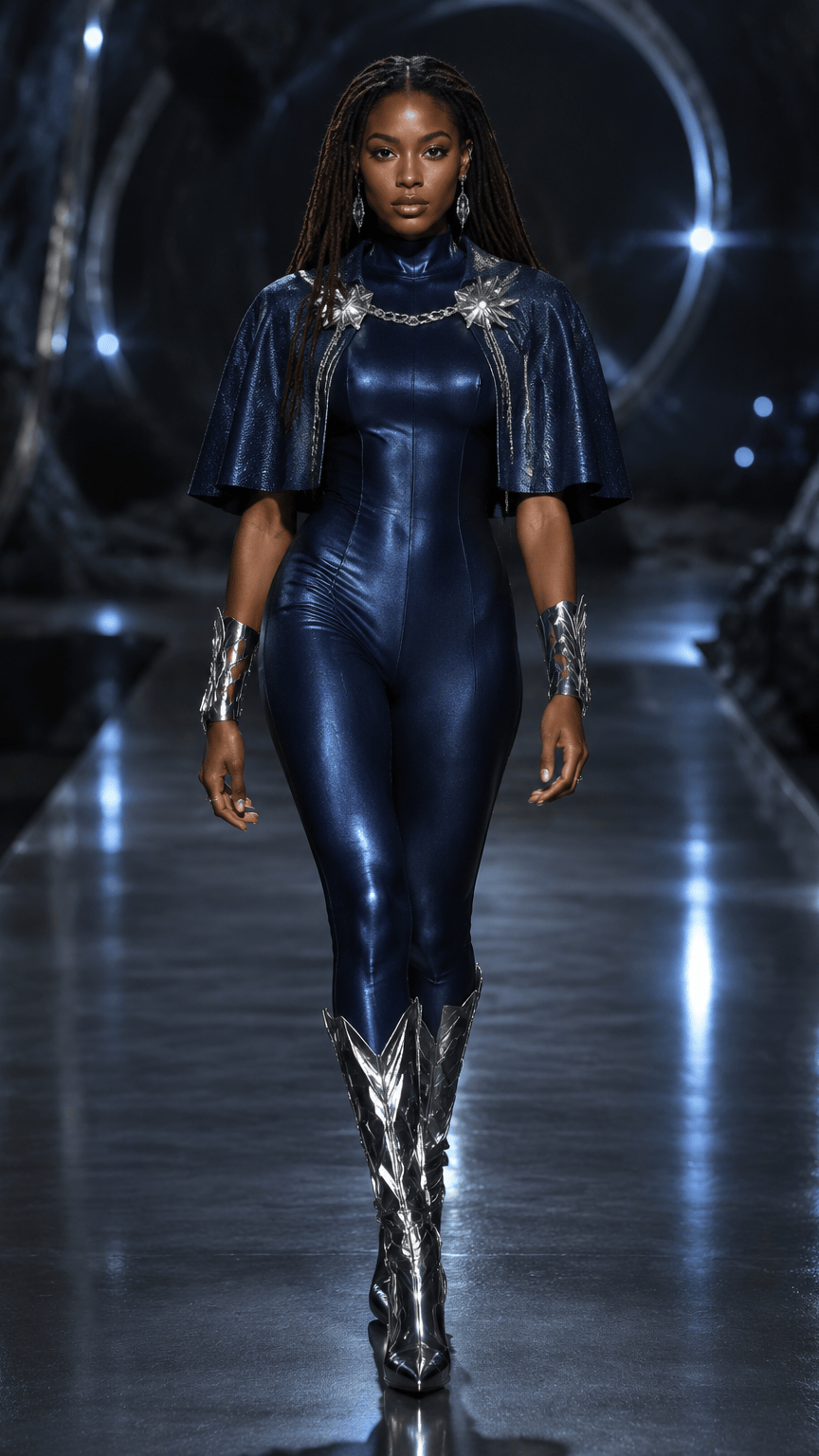 Victoria Secret Runway Scene Ideas for AI Fashion VideosA scene-planning guide for choosing lighting, color, camera energy, and styling direction without presenting original concepts as official brand assets.
Target intent: learn, then make a runway video
Find Victoria Secret Runway Video Guides by Task
Read the guide that matches your question, then open the creator when you have a clear photo and scene direction.