
Trend guide
What Is the Victoria Secret AI Video Trend?
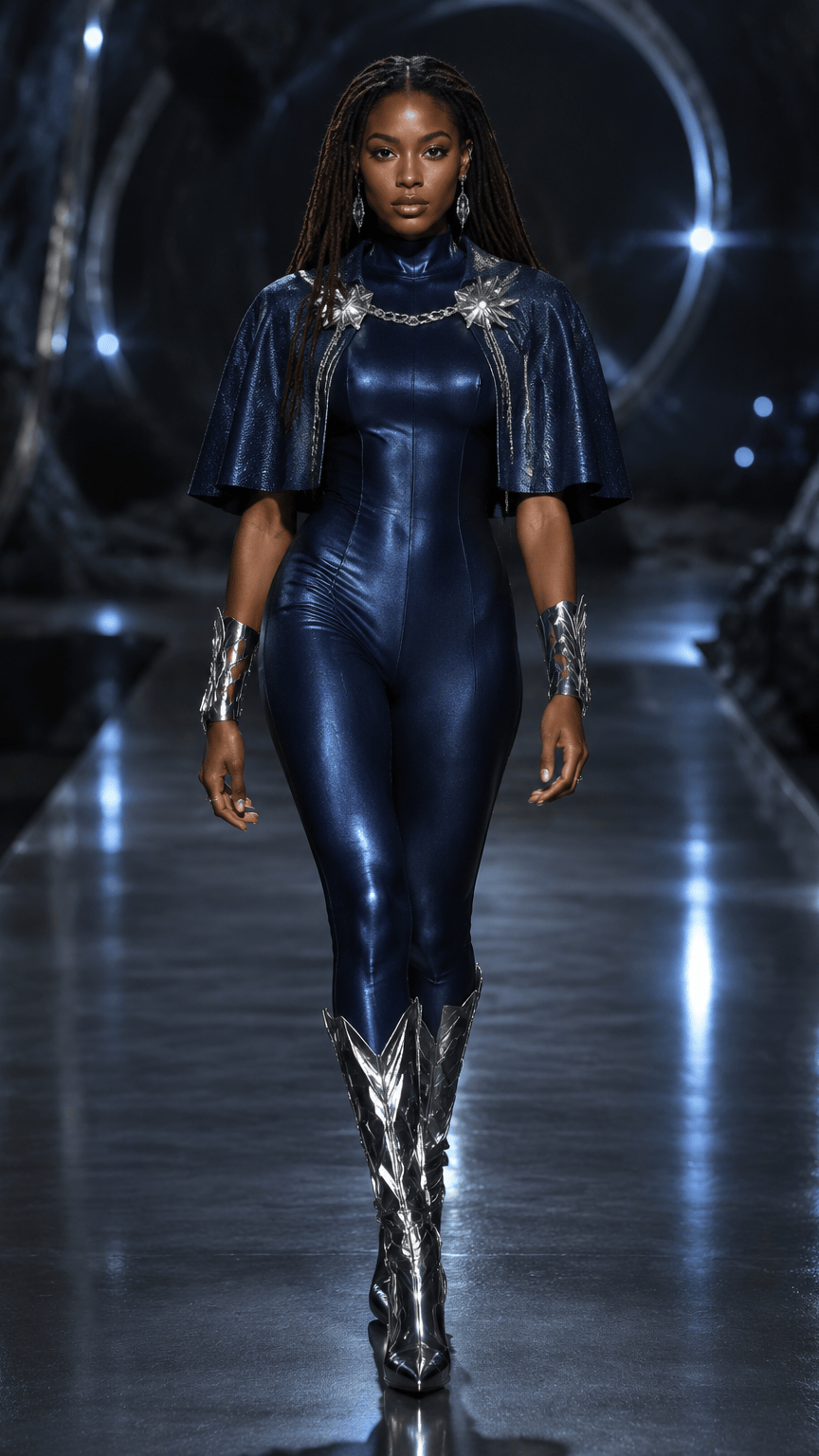
The Victoria Secret AI video trend refers to short, fashion-editorial clips that place an authorized person into an original runway-style scene. People usually search for the trend after seeing a vertical video with dramatic wings, reflective styling, stage light, and a clean forward walk. The useful distinction is that a trend label describes the audience’s visual reference. It does not prove that a clip is an official campaign, an authentic runway recording, or an endorsement by Victoria’s Secret.
What is the Victoria Secret AI video trend?
The trend is a format: one recognizable face or character, one strong fashion direction, and a short moving sequence designed for social feeds. A still image can show a look, but the videos that travel further usually add a readable camera move, a walk, a turn, fabric motion, or a change in light. That is why “AI runway video” is a more precise description of the production task than “AI fashion image.”
The visual language often includes an editorial catwalk, fantasy wings, glossy materials, floral color, metallic fringe, or a soft backstage mood. Those ingredients can be used as original creative directions. They should not be presented as an official garment, show recording, or protected campaign asset unless the publisher has the necessary rights and can substantiate that claim.
Why did it spread after the runway show?
The format became easier to notice when runway imagery, fan edits, and short-form video habits met a simple participation idea: take one portrait and imagine it walking through a high-production fashion scene. A dramatic first frame helps a clip stop the scroll, while a short duration lowers the effort needed to watch the whole result. The trend also benefits from remix behavior. One person can test a silver scene, then a floral scene, then a darker couture scene without rebuilding the entire concept each time.
That momentum does not mean every clip has the same source or quality. Some are still-image animations, some are generated from a native scene video, some use a reference frame, and some are ordinary edits with an AI label added later. When comparing examples, check whether the post says it is fictional, whether it uses a real person’s likeness, whether the audio is original or restored, and whether the result is an actual generated output rather than a mood preview.
Can a Gemini prompt create the finished runway video?
Gemini-style prompting is useful for developing the idea, writing a shot brief, or generating a still concept. A prompt can specify the model’s direction, the color palette, the camera movement, the runway environment, and the mood. A text-to-image system can then help visualize that brief as a still image.
That is different from delivering a timed video with stable identity, body movement, camera continuity, and export settings. A prompt alone does not guarantee a moving runway clip. The production path needs a video-capable model or a workflow that animates a reference while preserving the intended subject. If the result will be shared, inspect the first and last frames, check hands and clothing, and label the work accurately rather than implying that a prompt produced an official recording.
How do I plan a two-person runway test?
Start with two authorized source images and decide what the viewer should notice first: coordinated styling, contrast between colors, a shared walk, or a split-screen comparison. Keep the scene direction simple. Two subjects already create more identity and motion variables, so a crowded prompt can make the result harder to judge.
If the workflow supports only one identity reference, do not imply that it supports a two-person result. Use the current creator’s documented input limits, or treat the idea as a future production brief. When a two-person workflow is available, confirm permission for both likenesses, use photos with similar lighting, and review the result for identity drift, duplicated limbs, merged clothing, and accidental extra people.
A responsible next step
The fastest way to test the idea is to choose one original scene, use one authorized portrait, and define a single question for the generation. The Victoria Secret Runway template library lists the available visual directions, while the photo guide explains what makes a reference readable. If the source is ready, open the runway creator and review the duration, resolution, credit cost, and consent confirmation before submitting.
Victoria Secret Runway is used here as a search topic and style reference. This independent tool is not affiliated with or endorsed by Victoria’s Secret. Generated media may still need an AI disclosure, likeness review, and rights check before publication.
Questions readers ask
Questions About This Victoria Secret Runway Video Guide
What is the Victoria Secret AI video trend?
It is a short-form fashion-video format that places an authorized identity into an original runway-style scene. The trend label does not prove official affiliation or authentic show footage.
Can Gemini prompts create the finished moving runway video?
A Gemini-style prompt can help plan a still concept or shot brief, but a moving video needs a video-capable generation or animation workflow with its own input and output rules.
Can I create a two-person AI runway video?
Only when the selected workflow explicitly supports two identity references. Confirm permission for both people and inspect the result for identity drift, merged bodies, and extra subjects.
What should I disclose when sharing a trend video?
Label the clip as AI-generated when required, avoid implying official brand endorsement, and review the rights to the source photos, likenesses, styling references, music, and destination platform.
Continue the runway research
Related Victoria Secret Runway Guides
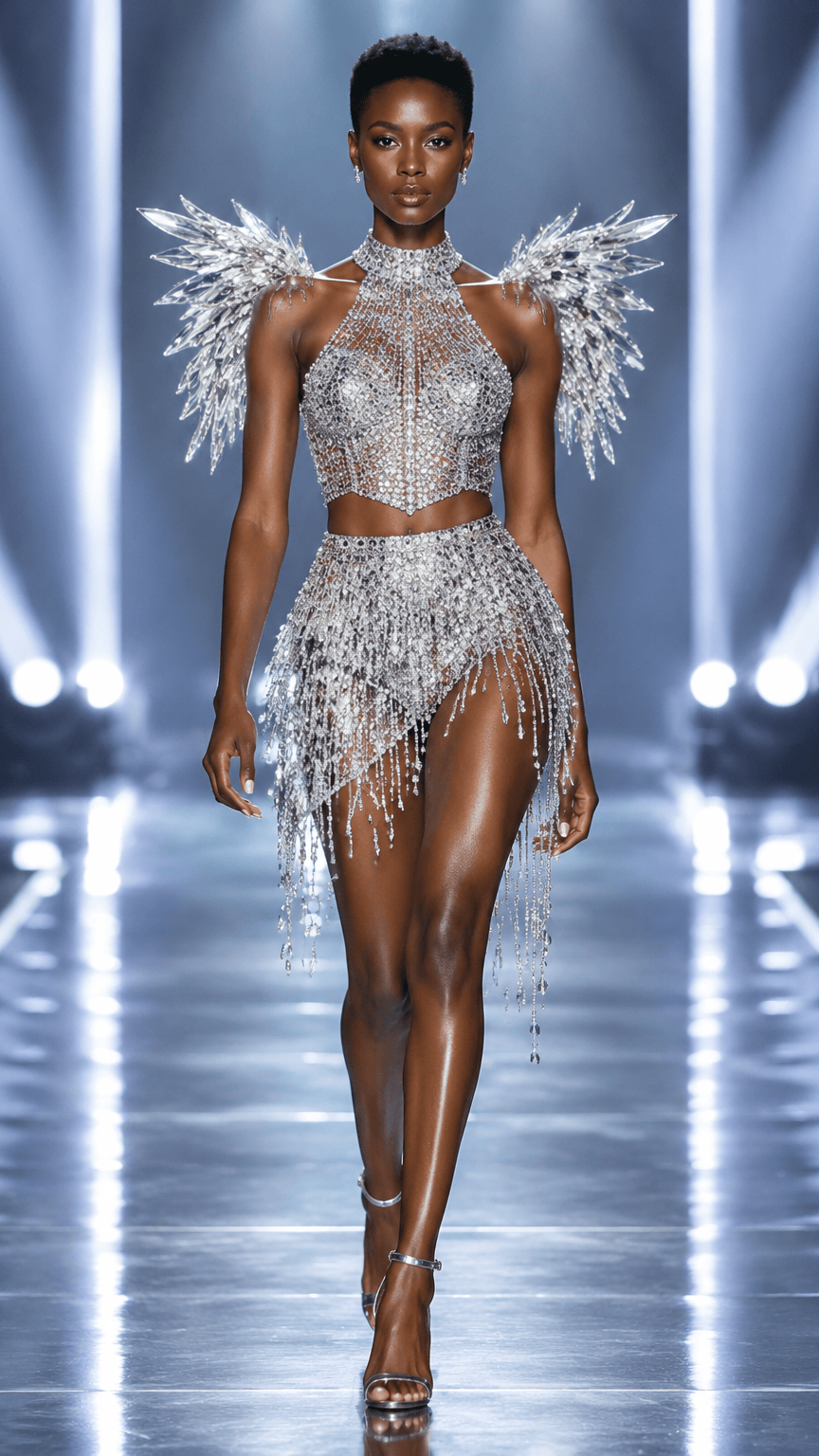 How to Create a Victoria Secret Runway Video From a PhotoA complete, practical workflow for turning one authorized source photo into an original Victoria Secret Runway-inspired video concept.
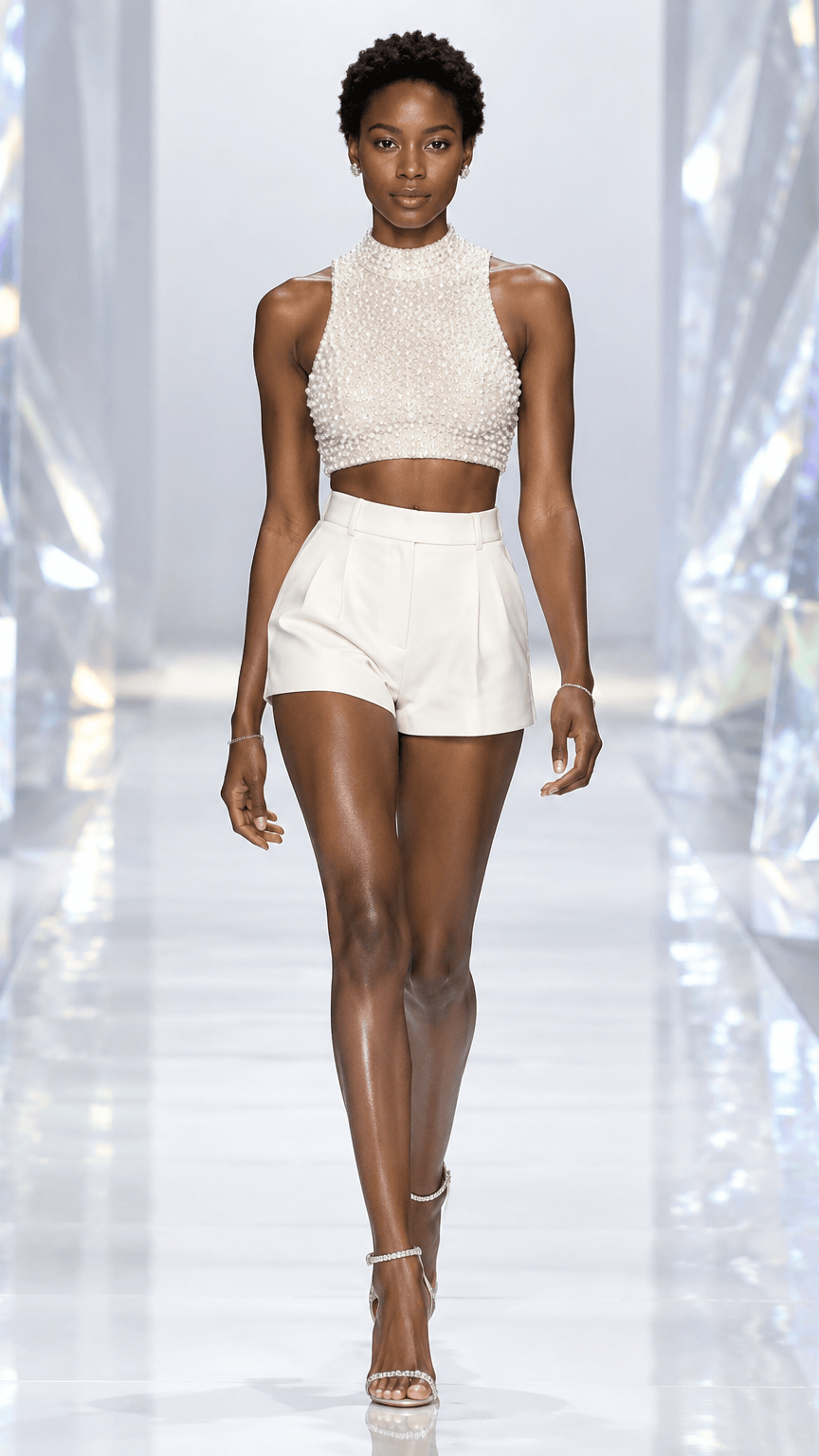 Best Photo for a Victoria Secret Runway AI VideoAn input guide for crop, lighting, silhouette, clothing detail, background, and image permission.Victoria Secret Runway Scene Ideas for AI Fashion VideosA scene-planning guide for choosing lighting, color, camera energy, and styling direction without presenting original concepts as official brand assets.